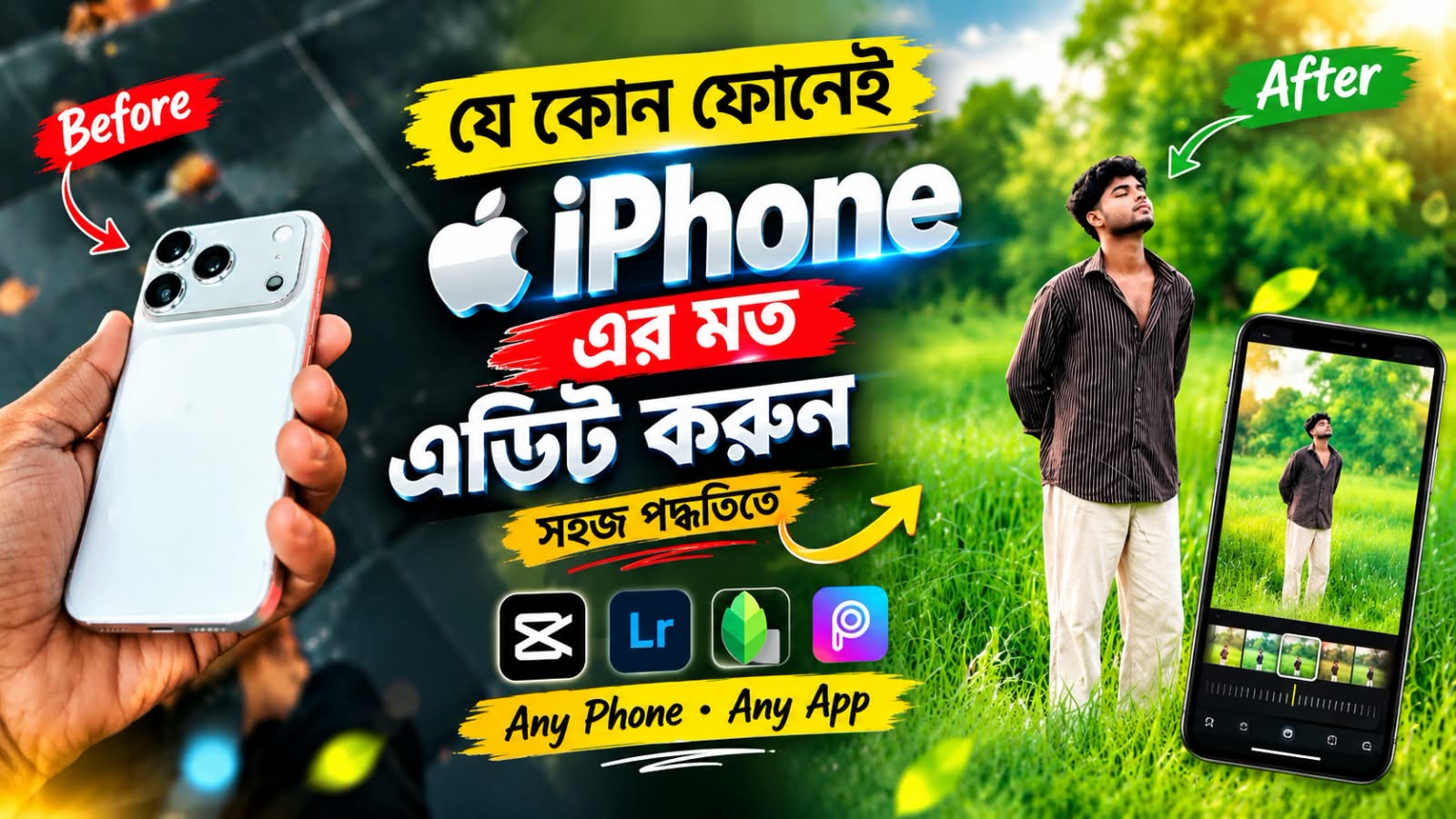
Edit Photos Like an iPhone: Create Stunning HD Pictures
Do you want to edit your photos to look like they were captured with an iPhone? You can transform your ordinary pictures into beautiful, professional-looking images using simple photo editing techniques. With the right editing style, you can achieve natural skin tones, vibrant colors, smooth backgrounds, and stunning DSLR-like quality.
First, choose a clear photo with good lighting. You can use a photo editing app to adjust brightness, contrast, sharpness, saturation, and highlights. These settings help improve the overall appearance of your picture and give it a premium iPhone-style look.
One of the most attractive features of iPhone photography is its natural color balance. Keep the colors realistic instead of making them too bright or artificial. Slightly increase contrast and sharpness to make the details more visible. Adjust the highlights and shadows to maintain a balanced exposure.
A soft background blur can make your portrait look more professional. Use a portrait editing tool to separate the subject from the background and apply a natural blur effect. Keep your face and other important details sharp for the best results.
Always use the original image whenever possible. Avoid excessive filters, unnatural skin smoothing, and over-sharpening. You can also experiment with cinematic color grading to create an elegant photography style.
After editing, save your photo in high quality to preserve its details. You can then share it on Facebook, Instagram, TikTok, or other social media platforms.
Editing photos like an iPhone is easy when you use the right techniques. By adjusting colors, improving lighting, adding a natural background blur, and preserving realistic details, you can turn simple pictures into eye-catching images. Try different editing styles to find the perfect look for your photos and make your social media posts stand out.