Create a realistic cinematic video
নিচের প্রমট কপি করুন
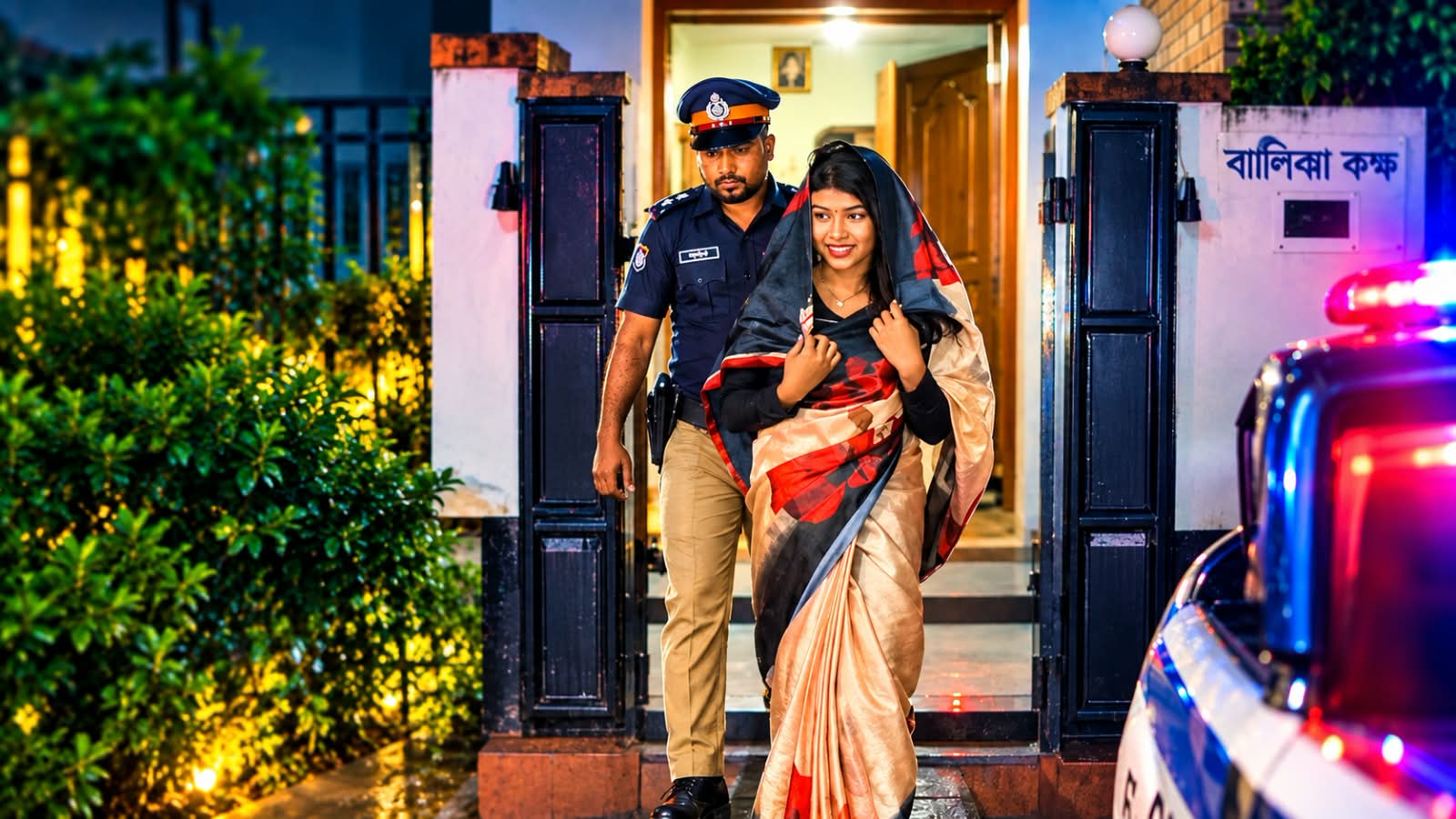
Use the uploaded image as the exact first frame and visual reference.
Create a realistic cinematic video continuation of the scene. The police officer is escorting the same woman out of the room/building exactly as shown in the reference image. Keep both characters’ faces, clothing, hairstyle, body proportions and overall appearance consistent throughout the entire video.
Scene progression:
The woman walks forward naturally while the police officer walks closely beside and slightly behind her, escorting her out through the gate. They move down the steps toward a waiting police car. The camera smoothly follows them from the front and slightly from the side, maintaining a realistic handheld news-footage feel. The woman then approaches the police car, and the officer guides her toward the rear passenger door. The rear door opens naturally, she gets into the back seat, and the officer closes the door after her.
Add realistic nighttime lighting, wet ground reflections, subtle police vehicle red-and-blue emergency lights, natural walking movements, realistic fabric movement, authentic shadows, cinematic depth of field and smooth camera motion.
IMPORTANT:
Do not change or regenerate the characters’ identities or faces.
Do not change their clothes or colors.
Do not add extra people.
Do not distort hands, faces or bodies.
No sudden scene changes, no teleportation, no unnatural movements.
Make the entire sequence continuous, realistic and physically believable.
Duration: 8–10 seconds, cinematic realistic video, high detail, smooth motion.