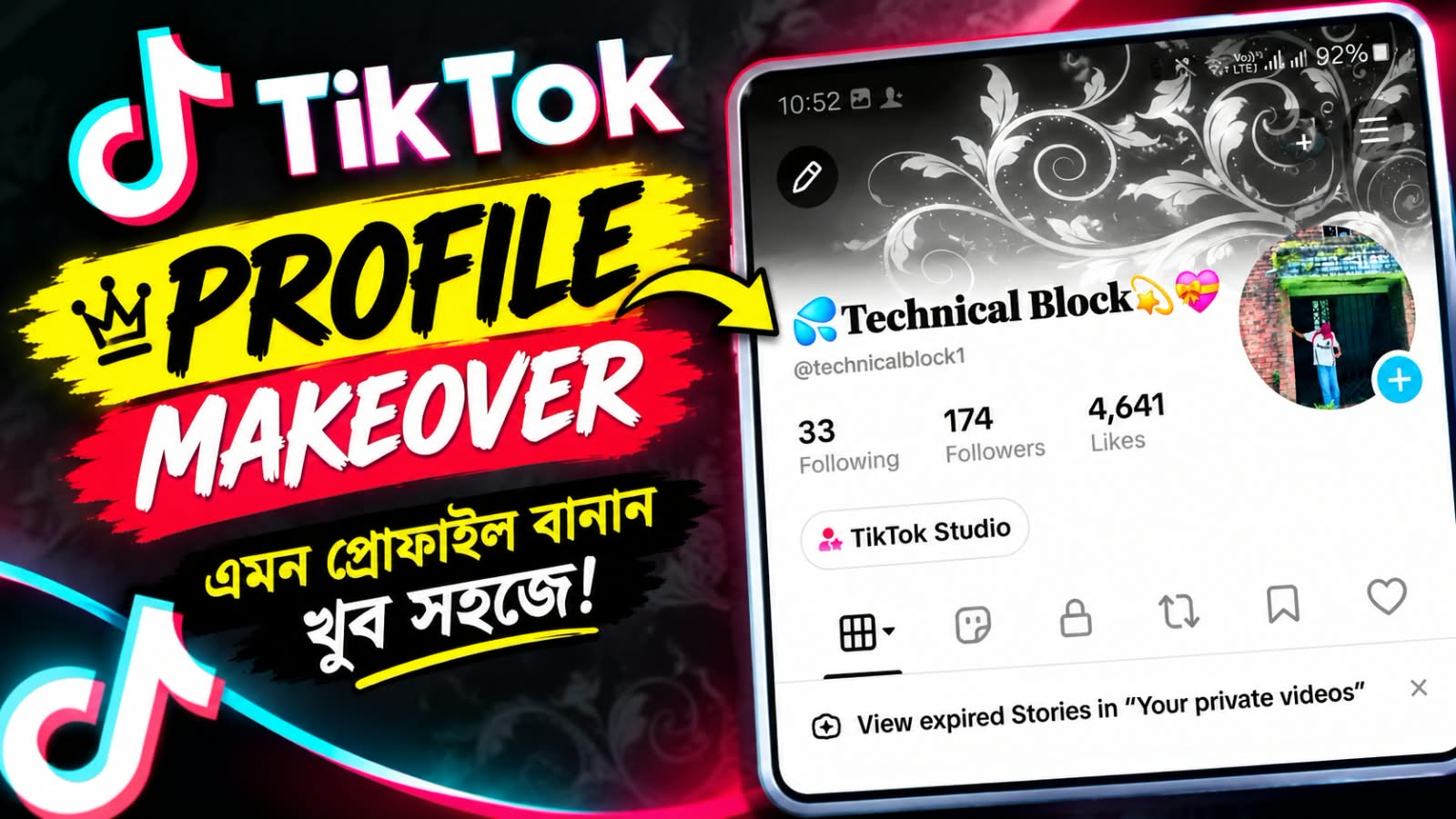
How to Add a TikTok Banner
TikTok is one of the most popular social media platforms for sharing short videos, creative content, tutorials, and trending ideas. A well-designed profile can help creators look more professional and attract more followers. One useful way to improve your TikTok profile is by adding a banner or cover image that represents your content and personal brand.
A TikTok banner can be used to create a strong visual identity. You can design a banner with your channel name, logo, favorite colors, or a simple background that matches your content. For example, if you create technology videos, you can use a modern digital-style banner with a clean and attractive design.
Before creating your banner, choose a high-quality image that looks clear on both mobile and desktop screens. Avoid adding too much text because small text may not be easy to read. Keep the main information in the center area so important elements are not accidentally hidden or cropped.
You can use popular photo editing and graphic design tools to create your banner. Add your preferred background, text, logo, and other visual elements. After finishing the design, save it in a high-quality image format and upload it to your TikTok profile if the banner or profile cover option is available on your account.
If you cannot find the banner option, don’t worry. TikTok regularly updates its features, and some options may be available only to certain accounts, regions, or versions of the app. Make sure you are using the latest version of TikTok and check your profile settings again.
A professional banner can make your TikTok profile more attractive and memorable. With a simple design, clear branding, and high-quality visuals, you can give your profile a more professional appearance and make a stronger impression on new visitors.