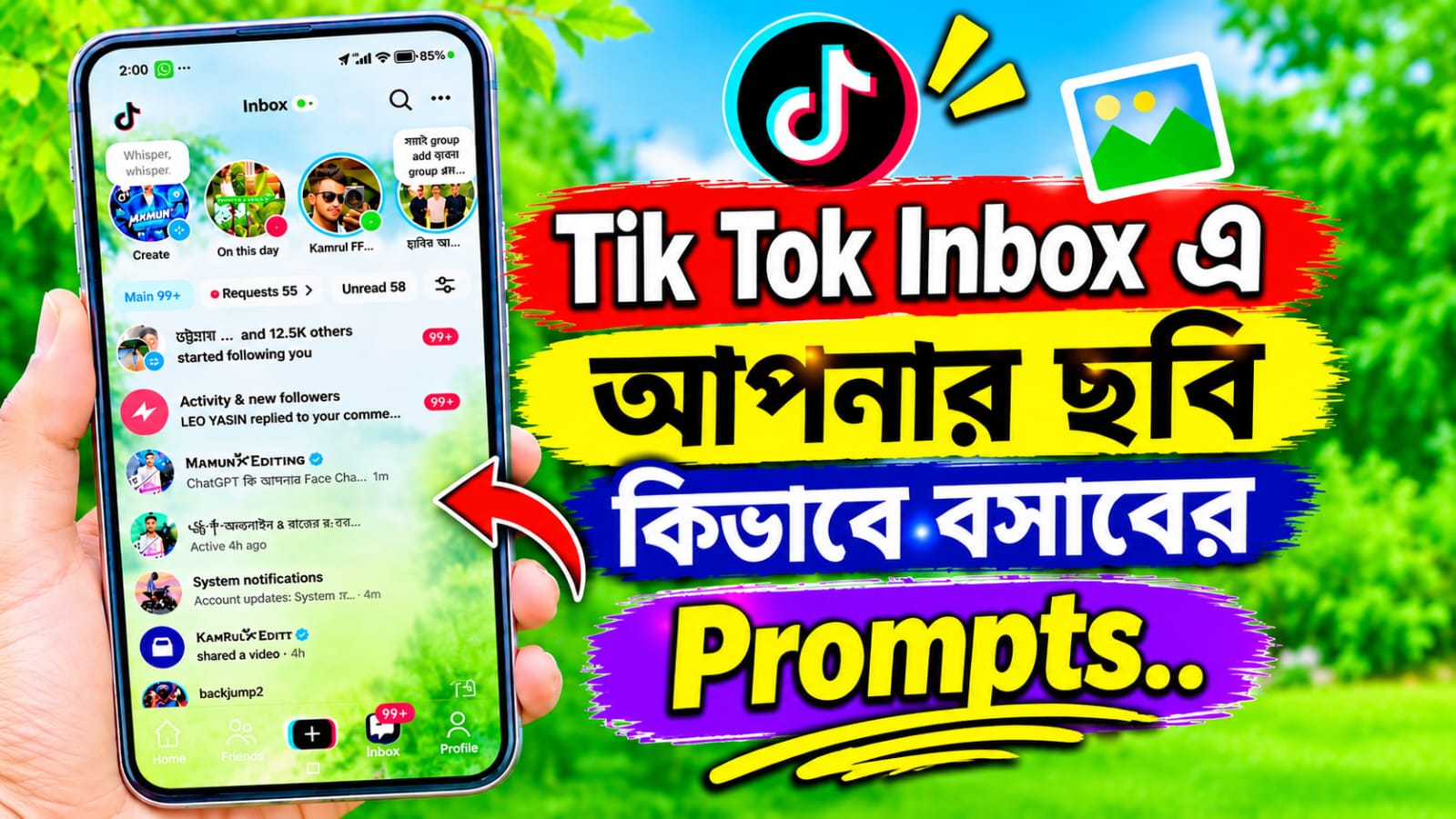
Keep the original TikTok Inbox
Edit the uploaded TikTok Inbox screenshot and recreate the same background photo editing style as the reference image.Instructions:
Thank you for reading this post, don't forget to subscribe!- Keep the original TikTok Inbox UI 100% unchanged. Do not modify any icons, buttons, usernames, profile pictures, messages, text, notification counts, status bar or bottom navigation bar.
- Use my uploaded personal photo as the main background subject.
- Carefully cut out my person from the original photo while preserving my exact facial identity, facial structure, hairstyle, skin tone, clothing and body proportions.
- Place my photo prominently in the lower-right area of the TikTok Inbox screen, with a natural standing or original pose.
- Create a beautiful outdoor green nature background with trees, grass and a soft blue sky, similar to the reference image.
- Blend the subject naturally into the background with realistic lighting, shadows and professional photo compositing.
- Keep all TikTok interface elements clearly visible and readable in front of the background.
- Do not change my face, do not generate a different person, and do not apply beauty filters.
Final Result: A realistic, professional TikTok Inbox background customization matching the reference image, with my original photo and unchanged TikTok interface.